
New OwnerLink
Your work deserves to be seen.
A private, personalised page connected to your CRM, where owners can follow the work you do for their property.
Already using OwnerLink? See how to try the new version.Make your work visible
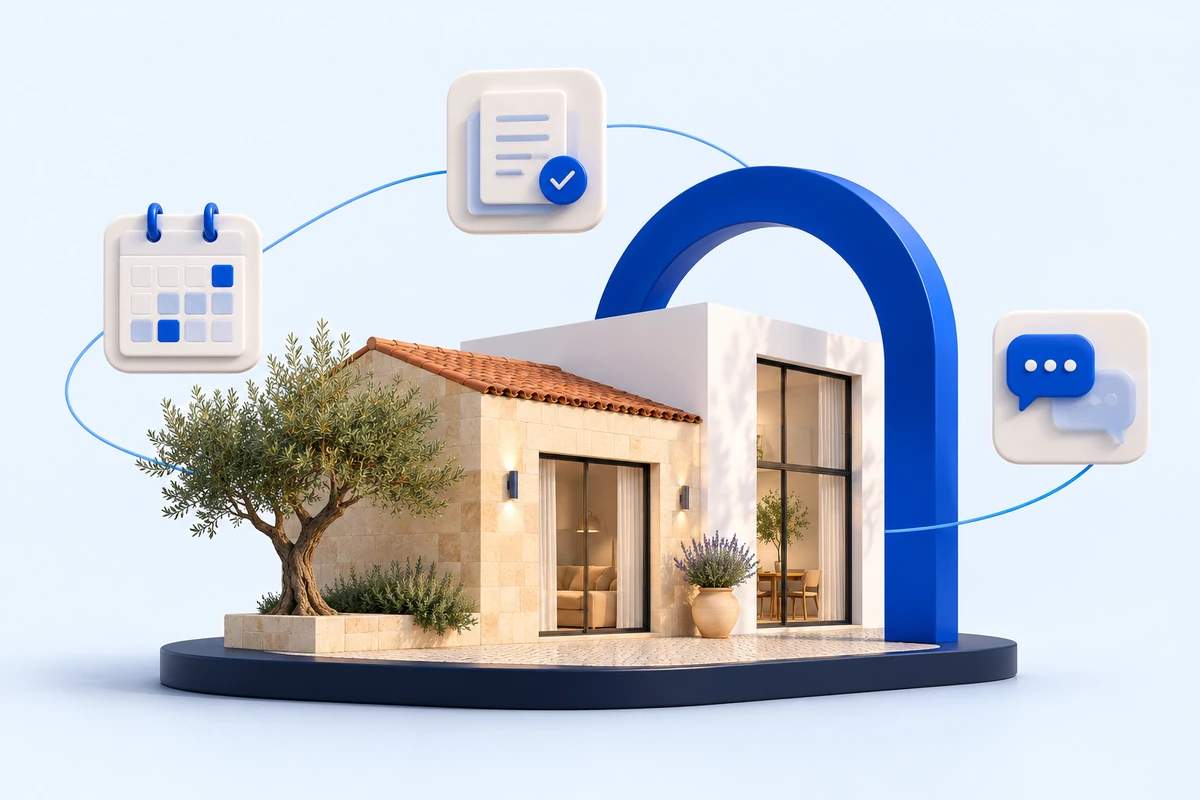
Owners stay informed. You decide what to share.
From marketing to viewings and enquiries, owners do not always see everything you do. Bring that work into a page dedicated to their properties.
Share activity, indicators and marketing information, choosing the content that makes sense to show.
Conversations and documents
Less scattered information. Closer follow-up.
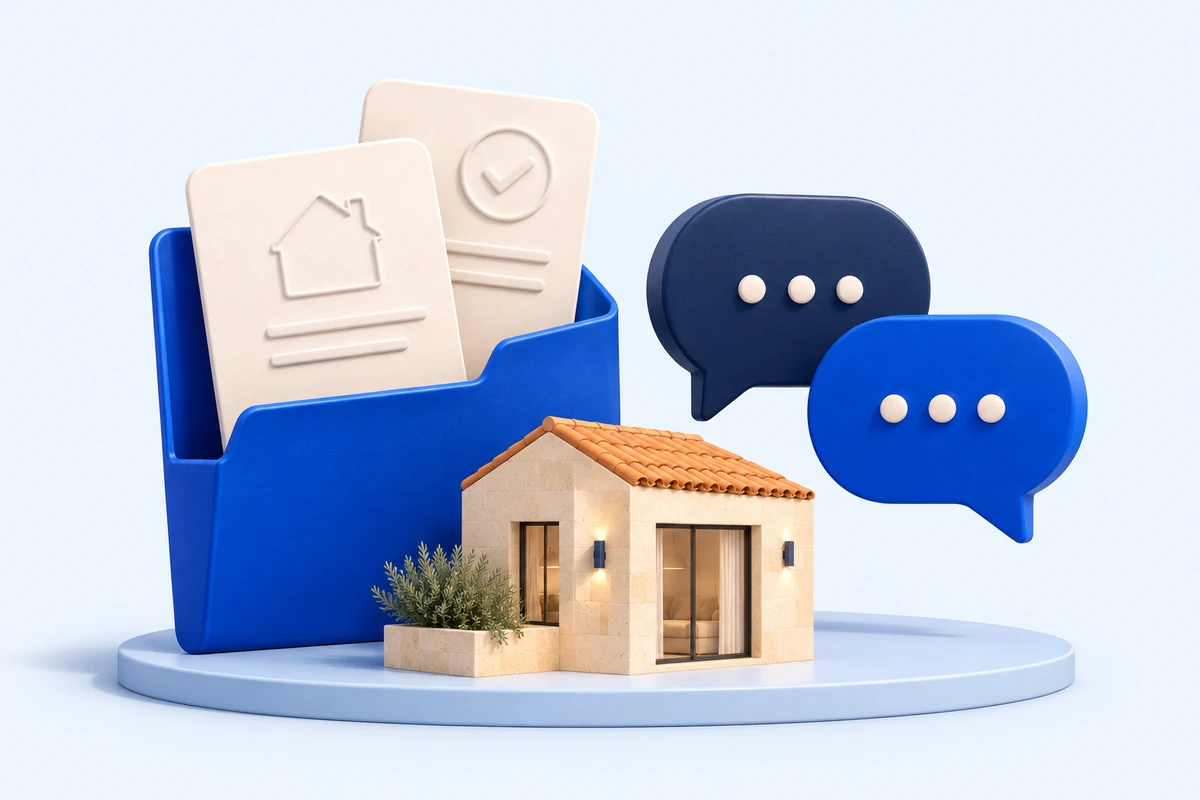
One place to talk to owners and keep each property’s discussions and documents organised.
Request, receive, validate and share documents from your CRM.
Discover OwnerLinkA page that fits your approach
Your way of working, clearly presented.
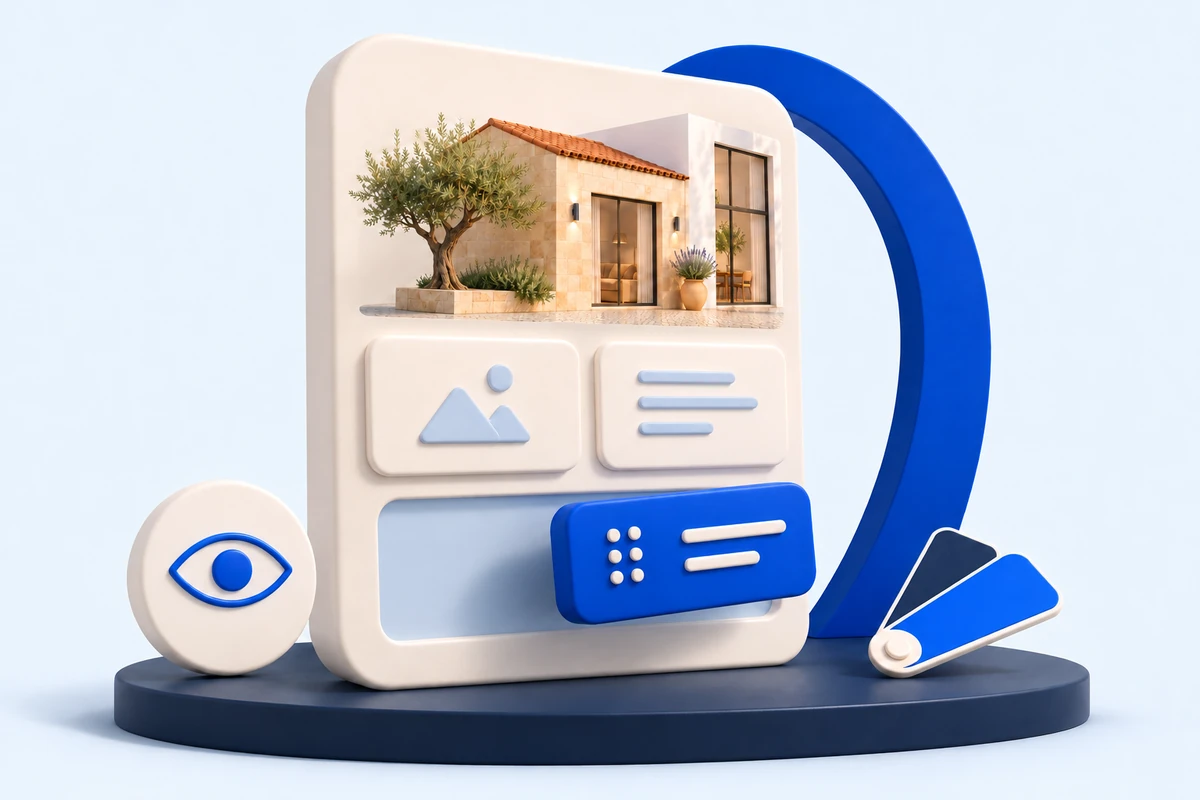
Adjust panel titles, text, order and visibility to create a presentation that makes sense for each owner.
Save personal templates to reuse and review the page before publishing.
From CRM to owner
Prepare with care. Share with confidence.
Choose the properties
Bring one or more of the owner’s properties together in the same private area.
Prepare and review
Select the content, personalise the presentation and check what will be visible.
Publish and share
Make the page available to the owner and keep your follow-up in a shared space.
In CASAFARI CRM
The agent organises the properties, prepares the page and chooses which content is visible.
In OwnerLink
The owner views what has been shared, talks to you and keeps track of documents.
OWNERLINK
Already using OwnerLink?
Sign in to CASAFARI CRM through your usual address and open OwnerLink to try the new version.
If you need help finding your sign-in address, contact our team.
New OwnerLink
Ready to show the value of your work?
Leave your details. Our team will contact you to introduce OwnerLink and explain its availability for your account.
We will use these details to respond to your enquiry.
FAQ
Before you get started.
What can the owner see?
Owners see the properties and content the agent chooses to share in their private area. CRM data is not all published automatically.
Can I bring several properties together on one page?
Yes. You can include one or more properties belonging to the same owner in their private area and prepare the presentation for each one.
Can I tailor the page to each owner?
Yes. You can adjust panel titles, text, order and visibility, reuse personal templates and review the presentation before publishing.
How do I start using the new OwnerLink?
If you already have OwnerLink access, sign in to CASAFARI CRM through your usual address and open OwnerLink to try the new version. If you do not use it yet or need help, get in touch: our team will confirm availability for your account and explain the next steps.